How I made a Miku
chill-house video.
Every piece of this — the song, the scenes, the motion, the cut — was made inside Vort in one sitting. Here's the exact order I work in, with real screenshots from my project, so you can open the studio and do the same with your own character.
the finished piece — one Suno track · eight Miku scenes · Kling 2.6 clips · cut in the editor
Start from a community pack
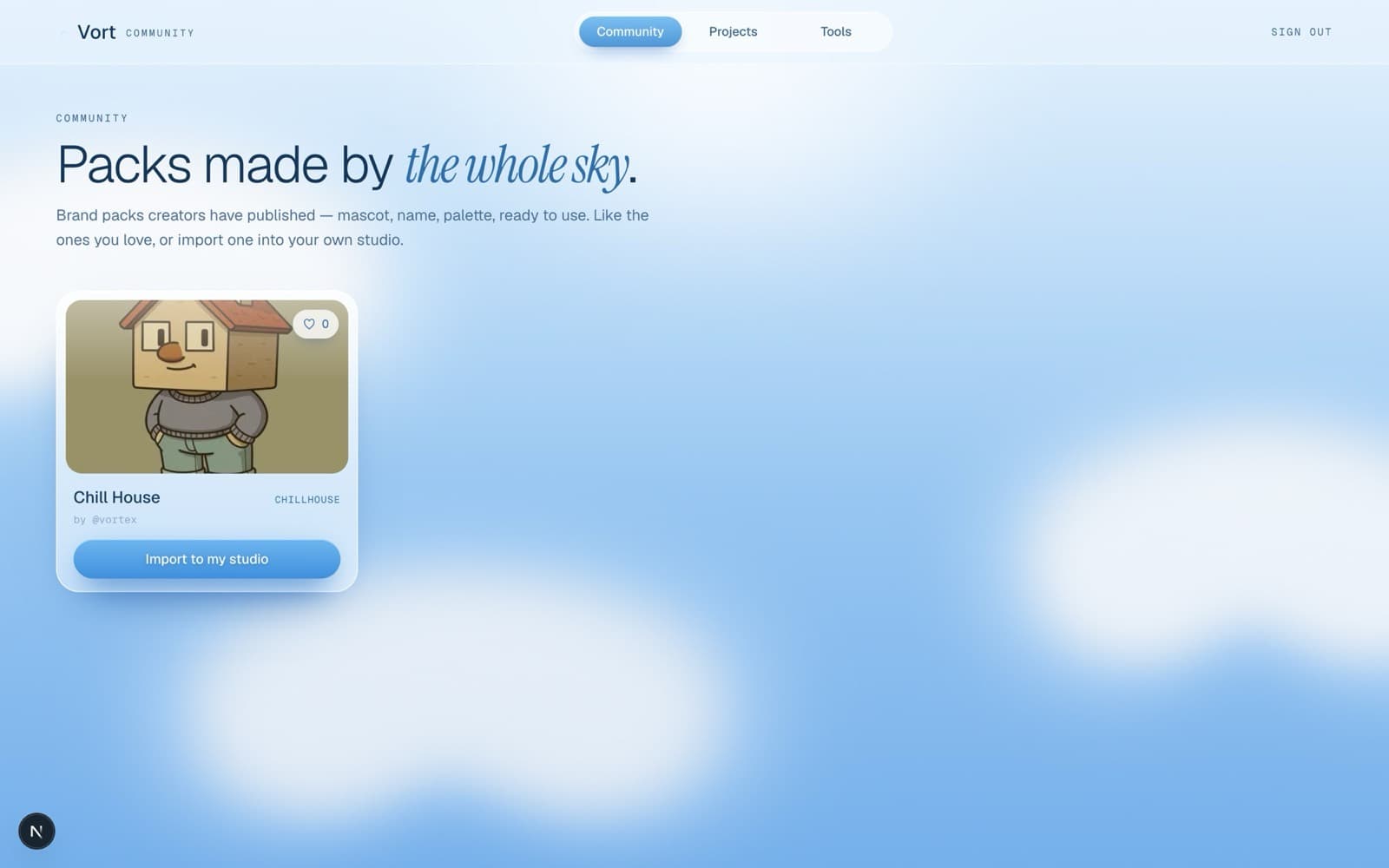
I imported the Chill House pack straight from the community. That copies its whole brand kit into my projects — the mascot, the palette, the references — so every image and clip I make after this stays locked to the same character. Starting from a pack means I'm not setting anything up; I'm just creating.
Lock the idea in one line
Before I touch a model I decide the whole vibe in a single line. Hatsune Miku, chilling at home — bubblegum-pop, hypercore. Neon teal and pink, Y2K, sugary and a little chaotic. Everything I prompt from here just serves that one idea.
Score it first, with Suno
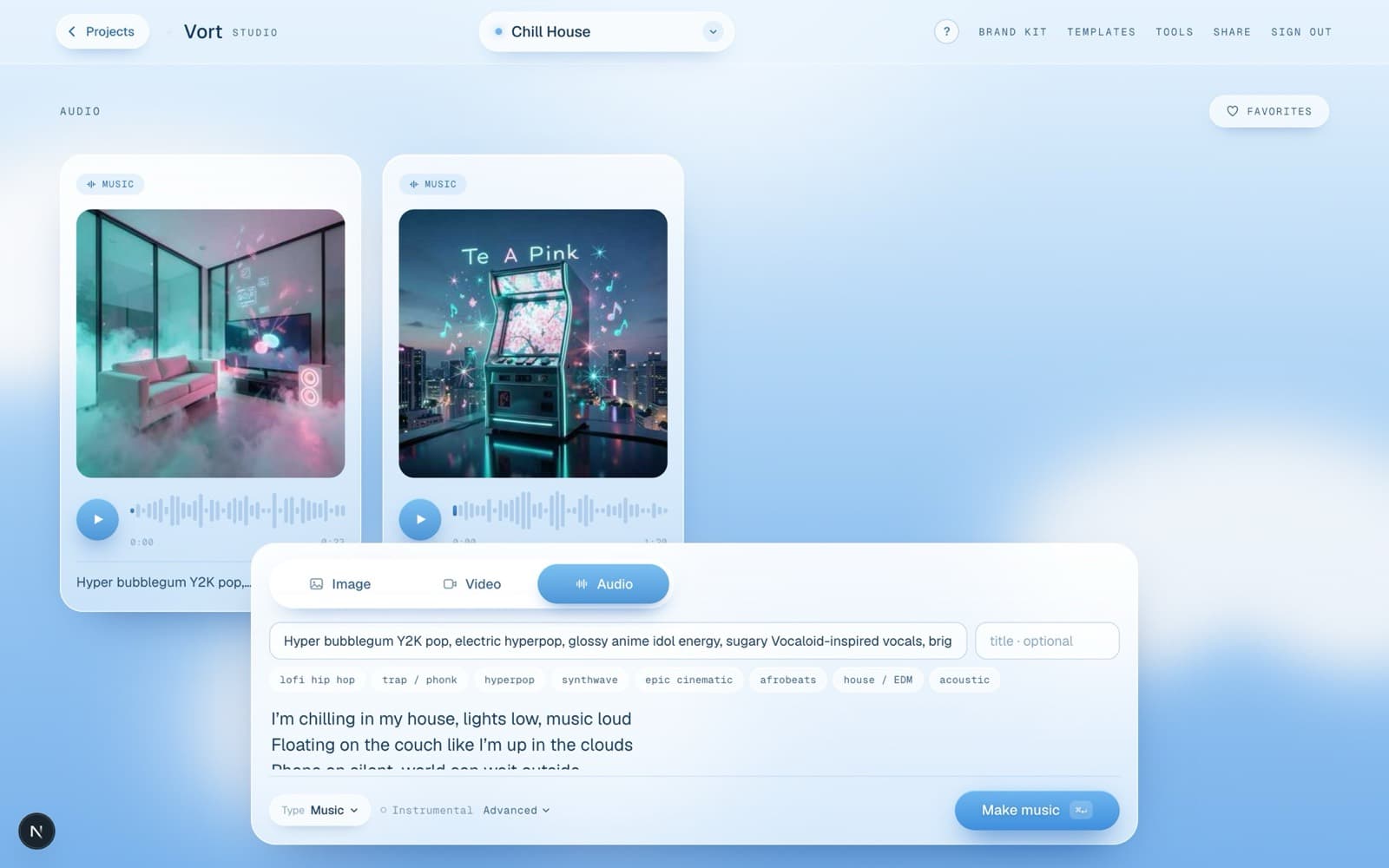
I always make the music first — it becomes the reference everything else moves to. In the Audio section I switch to Music, type the genre & vibe in the top field, and drop my actual lyrics in the box below. The genre describes the sound; the lyrics are the words it sings. Once the track feels right, I know the pace and mood for every clip.
Make every scene
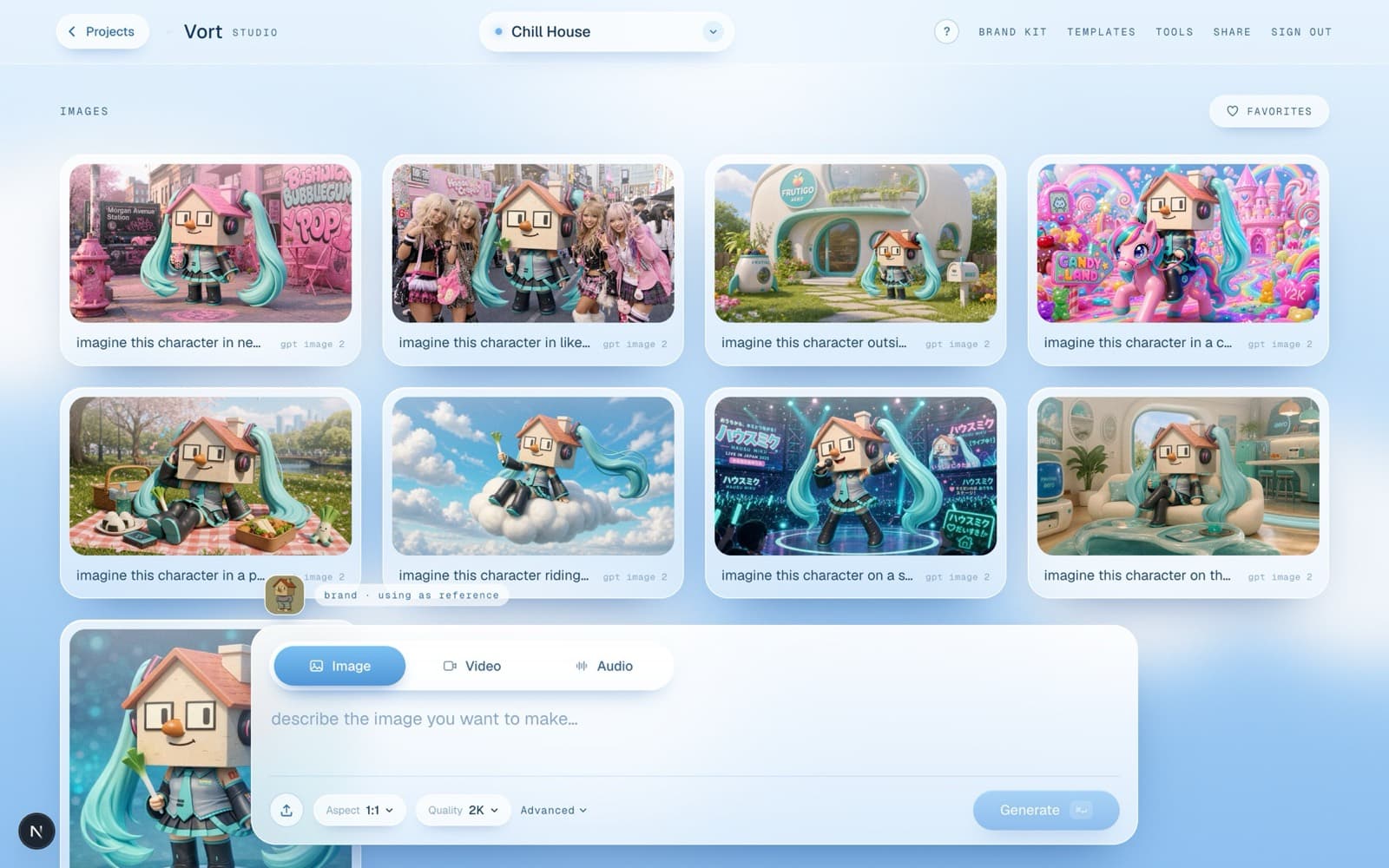
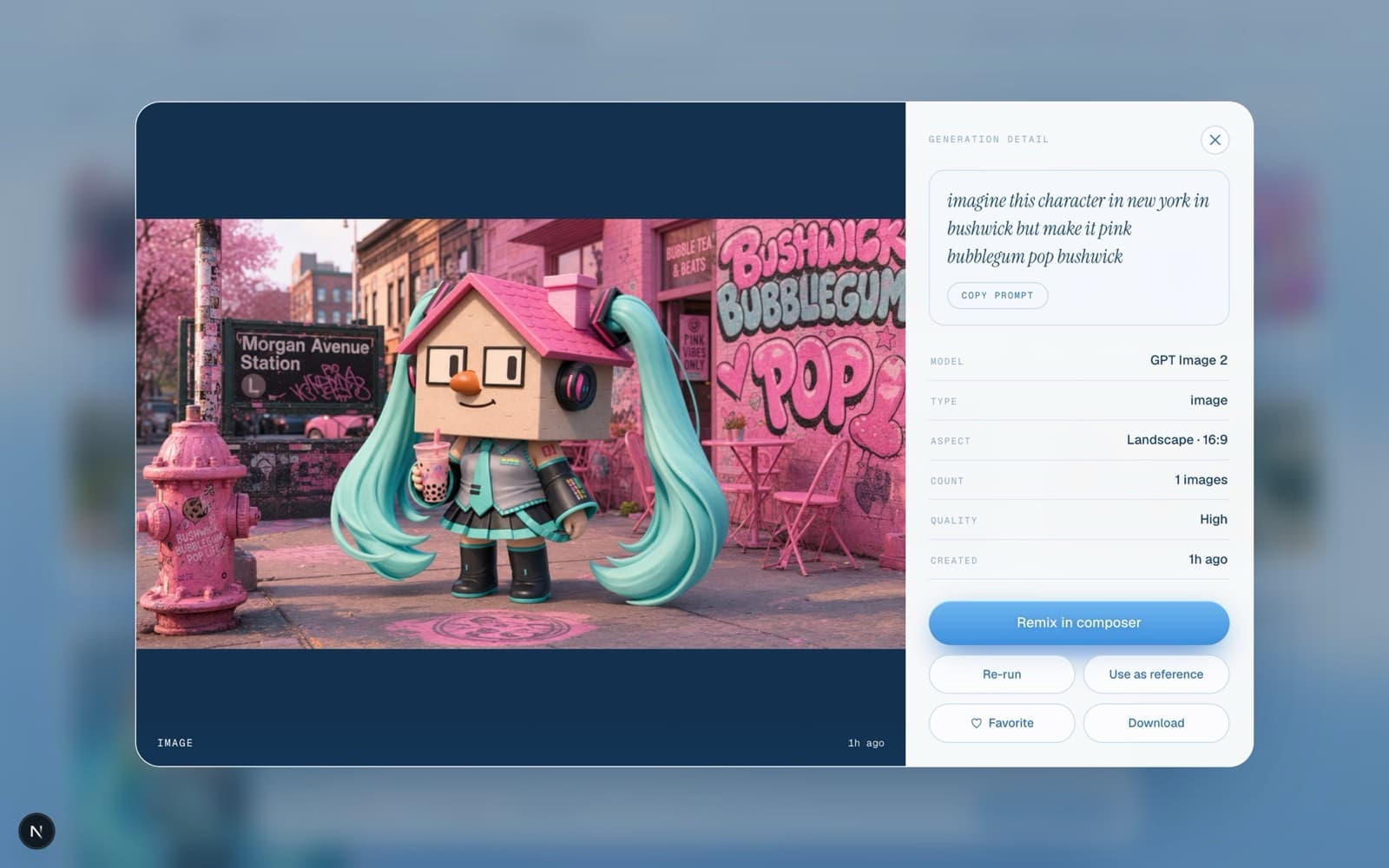
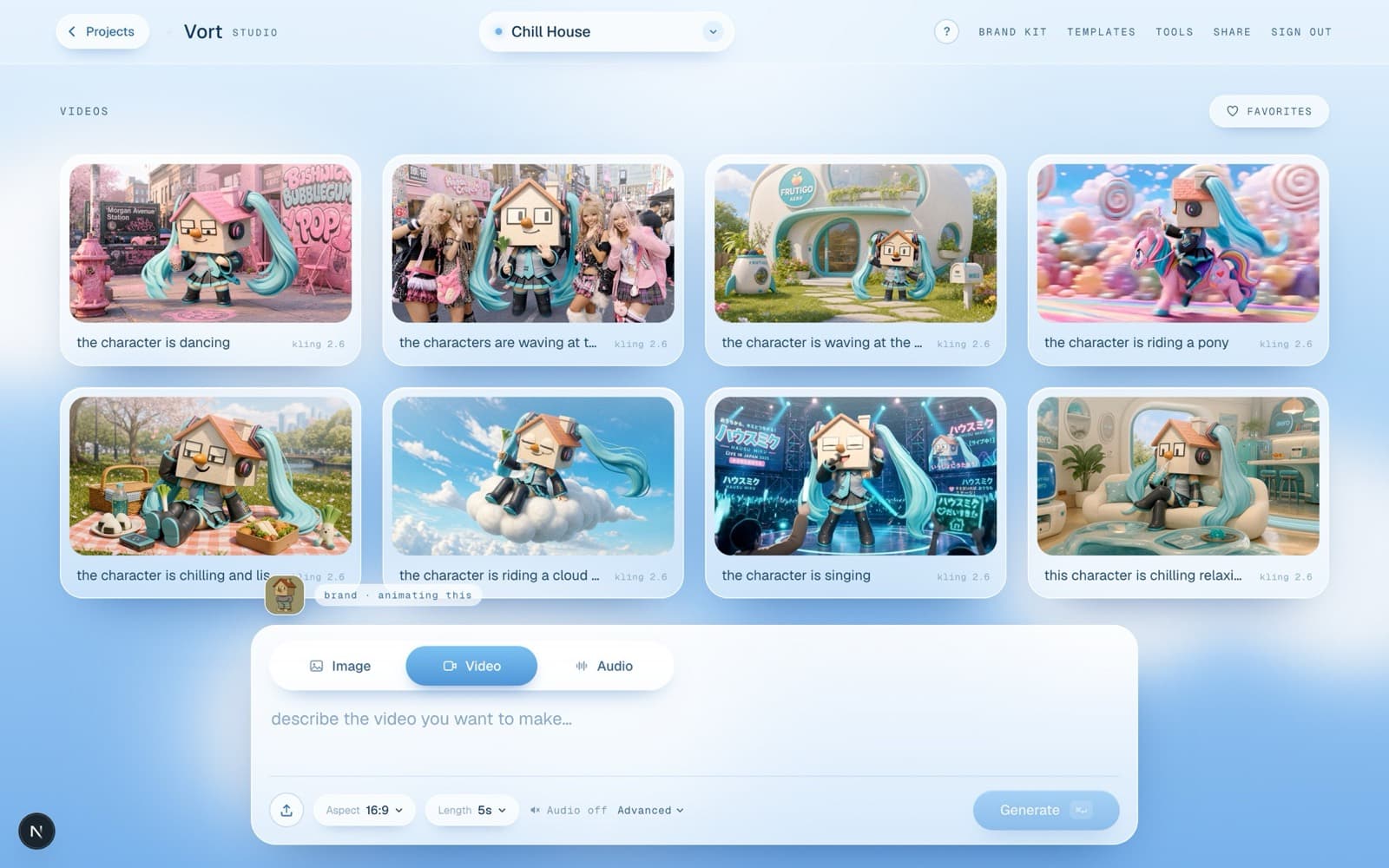
Now I picture the shots I want and generate them one at a time — Miku on the couch, riding a cloud, on a stage in Japan, deep in a candy-land. I keep the character reference on so she stays consistent, set it to 16:9 for video, and run them on GPT Image. I make more than I need and keep the best.
Bring them to life with Kling 2.6
I take each still into the Video section and animate it with Kling 2.6 — it's my favourite, the motion stays clean and on-character. One line of direction per clip: “chilling on the couch”, “riding a cloud”, “singing”. I animate the exact moments I scripted to the song.
Cut it together in the editor
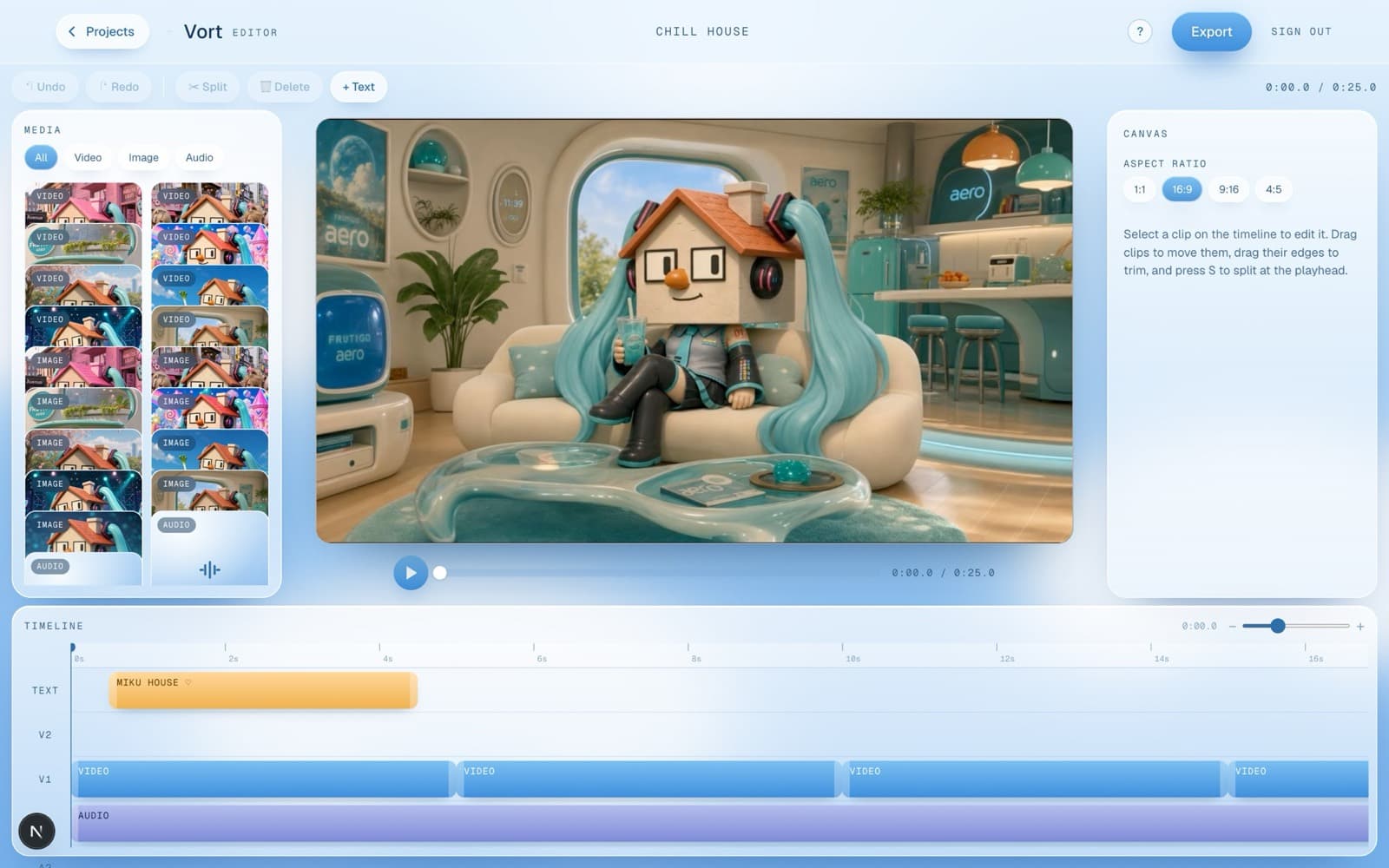
Last step: the editor. I drop the song onto the audio track, lay the clips over it in order, add a title, and line the cuts up to the beat. Then Export — a real MP4, rendered right in the browser. That's the finished piece at the top of this page.
Now make your own.
Same studio, same models, same order. Bring a character and a vibe — Vort does the rest.